Frequently Asked Questions About DCA Bots on ZMO
ZMO's DCA bot automates regular crypto purchases at set intervals — choose your cycle, investment amount, and slippage tolerance to build a position without watching the market.
LL
Lulu Liu
8 min

So you want to use a trading bot to dollar-cost average some trades on ZMO. Great idea!
Dollar-cost averaging bots can help you build a strong position over time while removing the whims and daily market fluctuations associated with trying to do it yourself.
We break down some of the most frequently asked questions about DCA bots on ZMO.
1. What is a DCA bot?
A DCA bot, or Dollar Cost Averaging bot, is a trading algorithm that automates the process of regularly purchasing a specific cryptocurrency at predetermined intervals, regardless of its current price. This strategy is often used to mitigate the impact of price volatility.
2. How do I create a spot DCA bot?
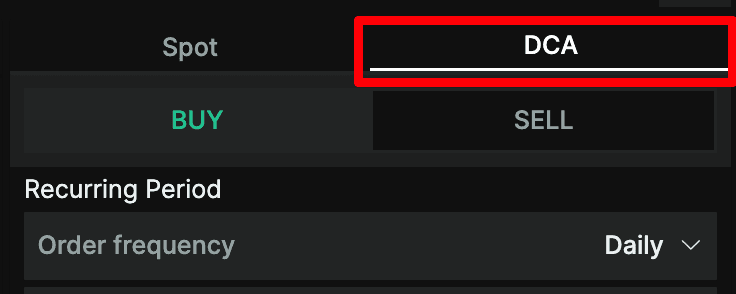
To create a spot DCA bot, you can navigate to the DCA tab on the spot market order form. From there, you can set various parameters such as the buy/sell cycle, investment amount, slippage tolerance, and more.
3. What are the available buy/sell cycles for the DCA bot?
You can choose between 6 buy/sell cycles: 15 mins, 30 mins, hourly, daily, weekly, and monthly. The bot will place orders according to your selected cycle.
4. How do I allocate funds to a DCA bot?
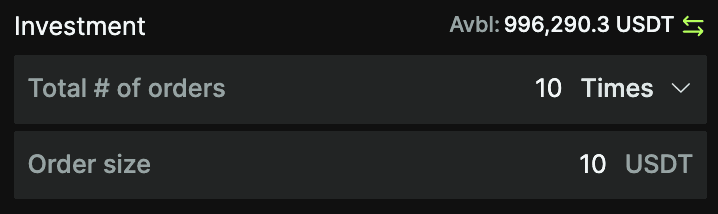
You can designate the investment amount in your quote currency and the number of times you wish to make this investment. The total investment will be calculated as the amount per period multiplied by the number of investments.
5. Is there a minimum investment requirement for each bot?
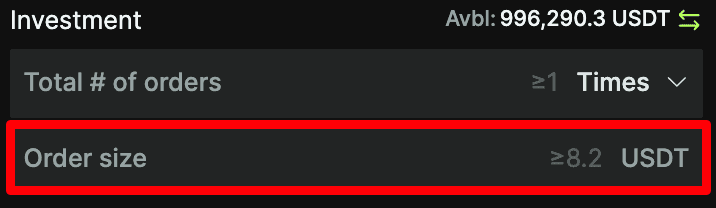
Yes, there is a minimum initial investment requirement, which is specified with a placeholder value in the order size field. If your input falls below this minimum, you will receive an error message that prevents you from creating your DCA bot.
6. Can I choose not to set a limit on how much my bot can invest?
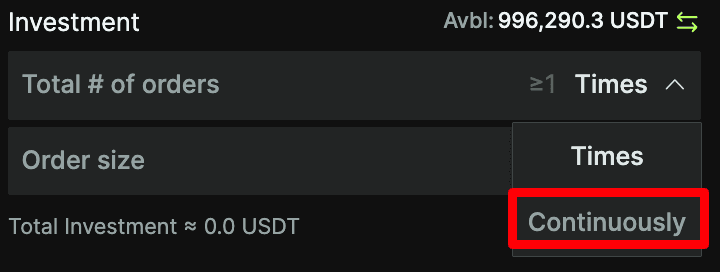
Yes, you can toggle on the "Continuously" setting for your investment. In this case, there will be no upper cap on your investment amount.
7. What is slippage, and how can I configure it for the DCA bot?
Slippage refers to the discrepancy between the anticipated price of a transaction and the price it's actually executed at. Within the advanced settings, you have the ability to define your slippage tolerance by using a percentage value. If the market's price spread goes beyond this specified percentage, the bot might refrain from initiating an order.

8. What will happen if my available balance is not enough to fund the minimum required investment?
If the funds in your account fall short of the necessary minimum investment required, the bot will be unable to carry out orders. As a result, you'll observe an "order failure due to insufficient funds" notification on the bot's information page.
9. Can I choose to deposit assets purchased by the bot into a flexible earn staking product?
Yes, you will have an option to enable or disable staking of purchased cryptocurrencies. The bot will display the previous day's APY for your reference.

10. How can I stop an active DCA bot?
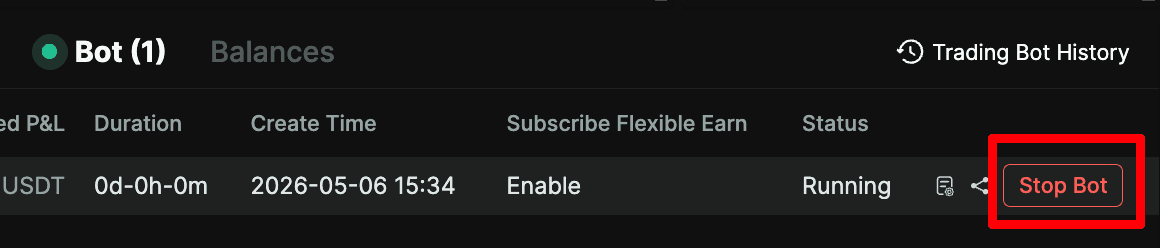
You can stop an active DCA bot by selecting the "Stop bot" button in the Bot tab in your trading interface. A confirmation pop-up message will appear, where you can choose to proceed or not.
11. Is there a limit to the number of DCA bots I can create?
Yes, you can create a maximum of 200 DCA bots.
12. What are the reasons for my DCA bot to stop or get deactivated?
Your DCA bot can stop or get deactivated for various reasons, including manual intervention, reaching a maximum investment threshold, or encountering persistent slippage or order failures.
13. How can I track the performance of my DCA bot over time?
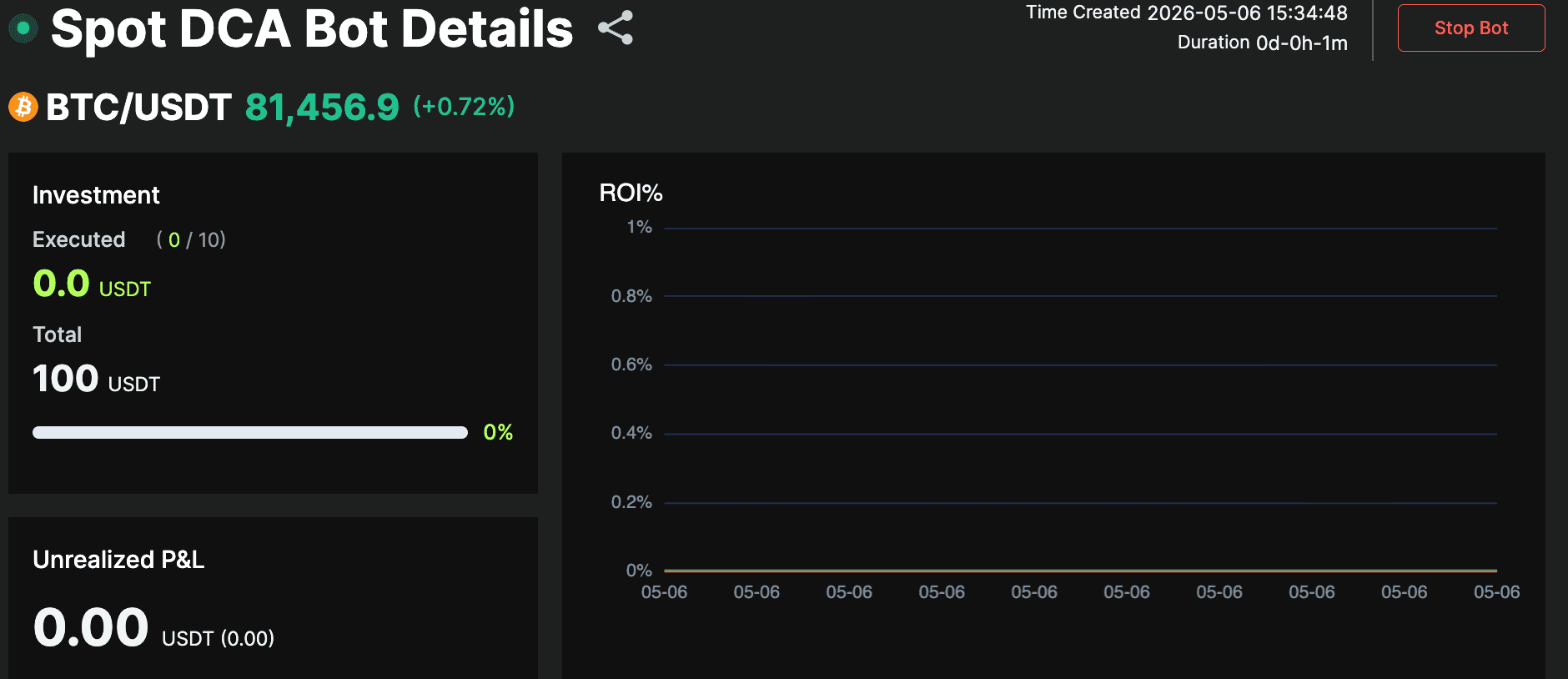
You can track the performance of your DCA bot over time by viewing the ROI curve graph, which provides insights into the bot's profitability metrics.
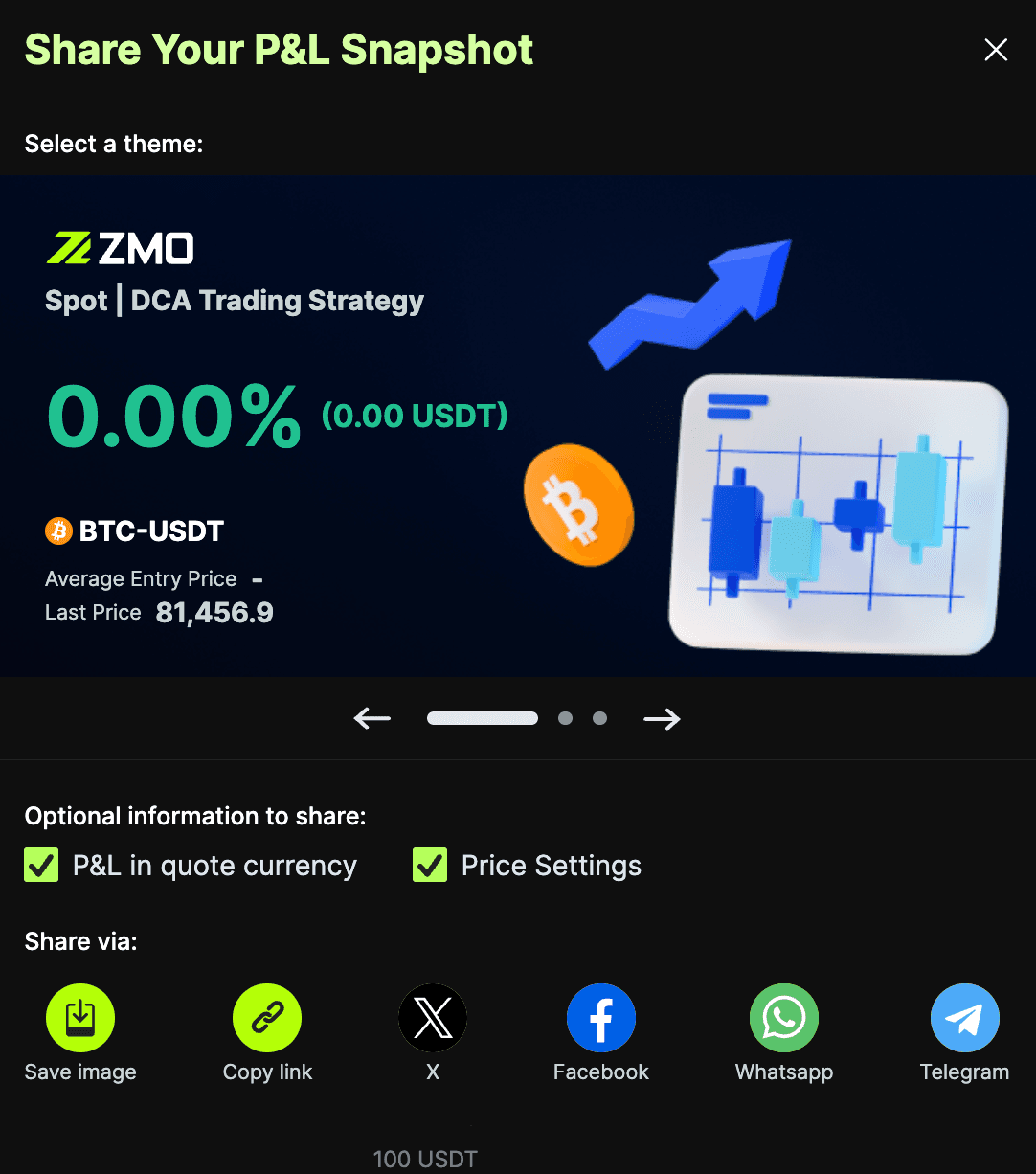
14. Will I be able to share my DCA bot’s performance with other users?
Yes, you can share the performance of your DCA bot with others via the Share Your P&L Snapshot function, letting them view its outcomes and giving them the opportunity to directly copy your bot.