How Can I Delete My ZMO Account?
To delete your ZMO account, go to Account Settings > Security > Manage Account. Clear any remaining balance first, then confirm — the process takes just a few steps.
LL
Lulu Liu
8 min

There are a few steps needed to delete your ZMO account. Here’s how you can get started.
Step 1.
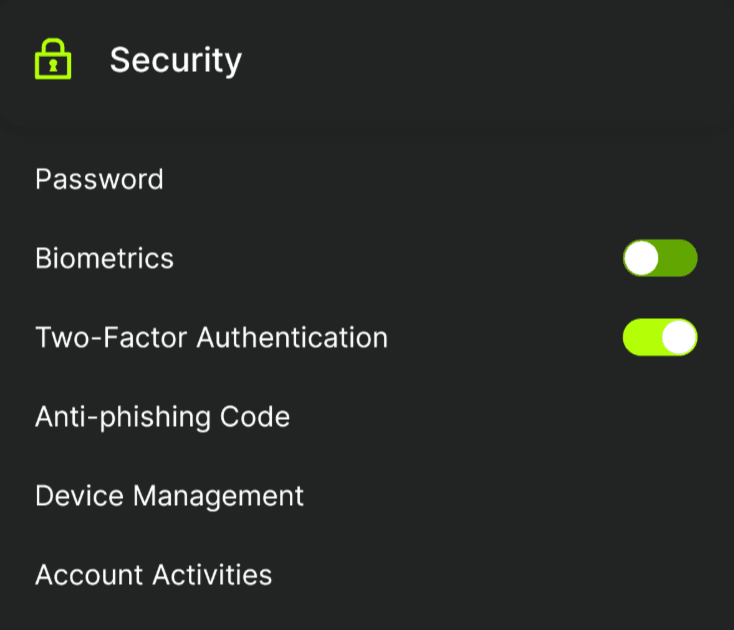
On your ZMO app, navigate to your Account Settings by clicking Account. Under the Security section, click Manage Account.
Step 2.
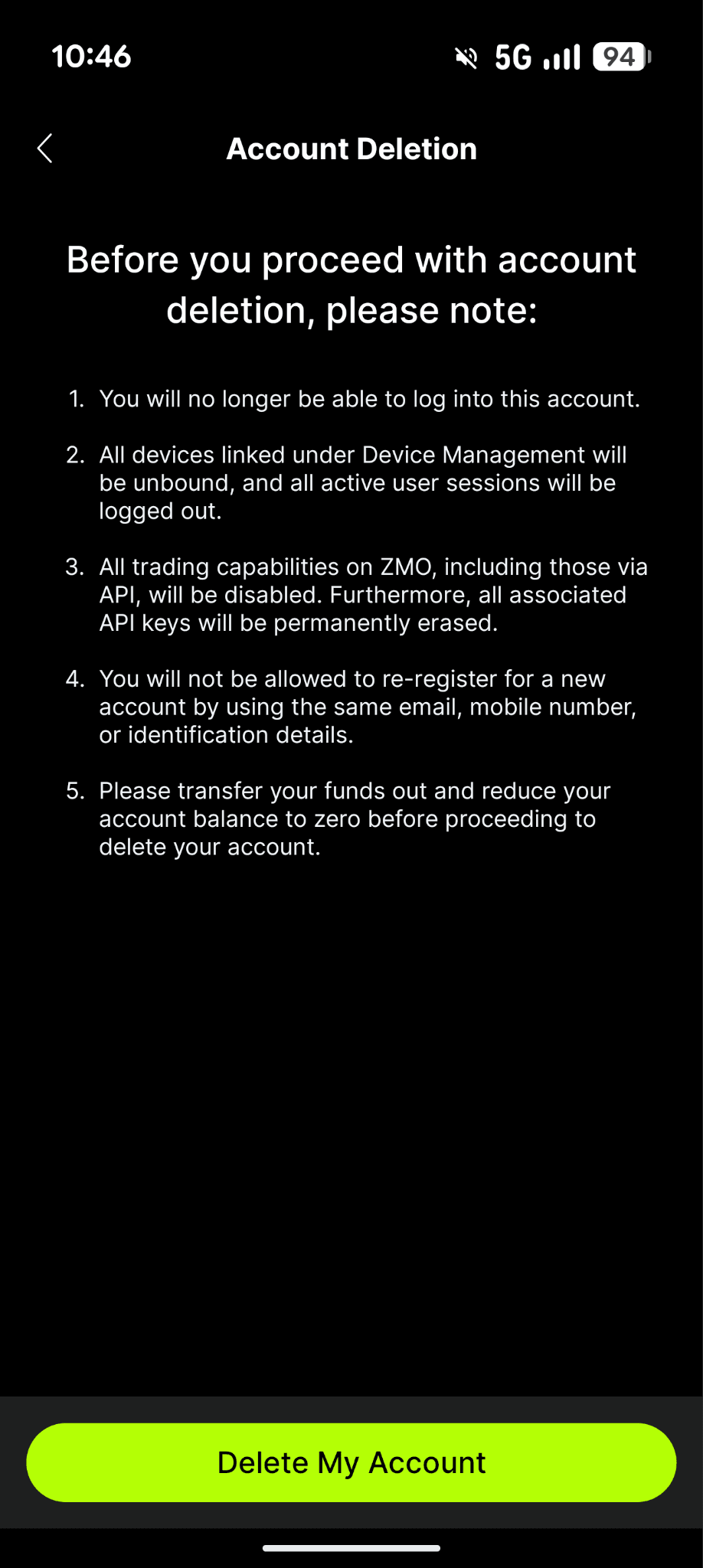
You can select "Delete My Account" and review the details before proceeding.
Step 3.
If you have a remaining balance, you will be prompted to clear it before proceeding.
Step 4.
If you don’t have an existing balance, all you have to do is confirm the deletion request.
Step 5.
You’ll then be redirected to the login page.


